Point of sale for iPad, iPhone & desktop
The whole store, on one calm register.
Ring up sales, take cards, keep customer balances, track every bottle and bouquet, and print or email receipts. Everything syncs to your private cloud, and the register keeps working when the internet doesn’t.
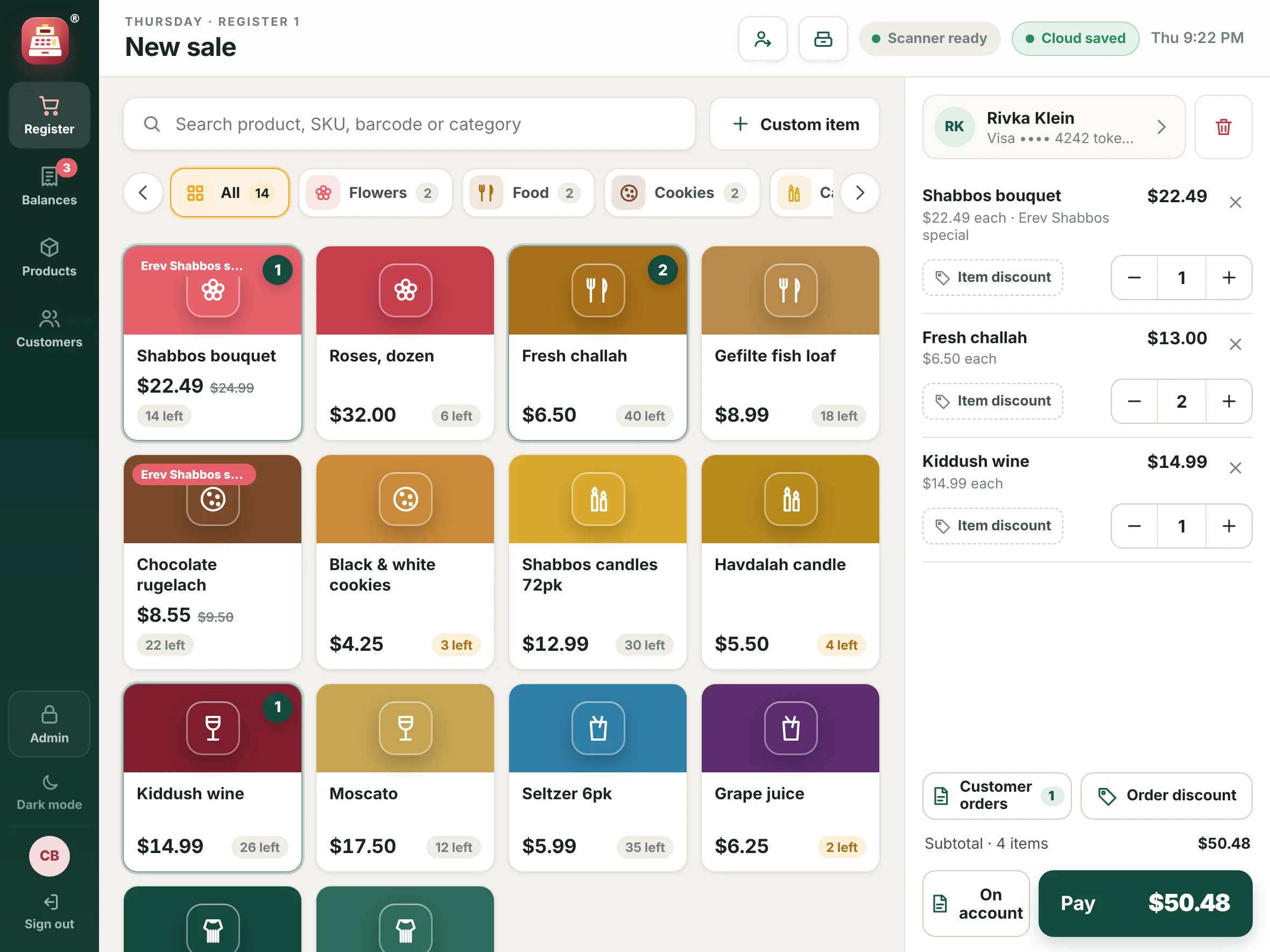
Register & checkout
Ring up a Friday rush without slowing down.
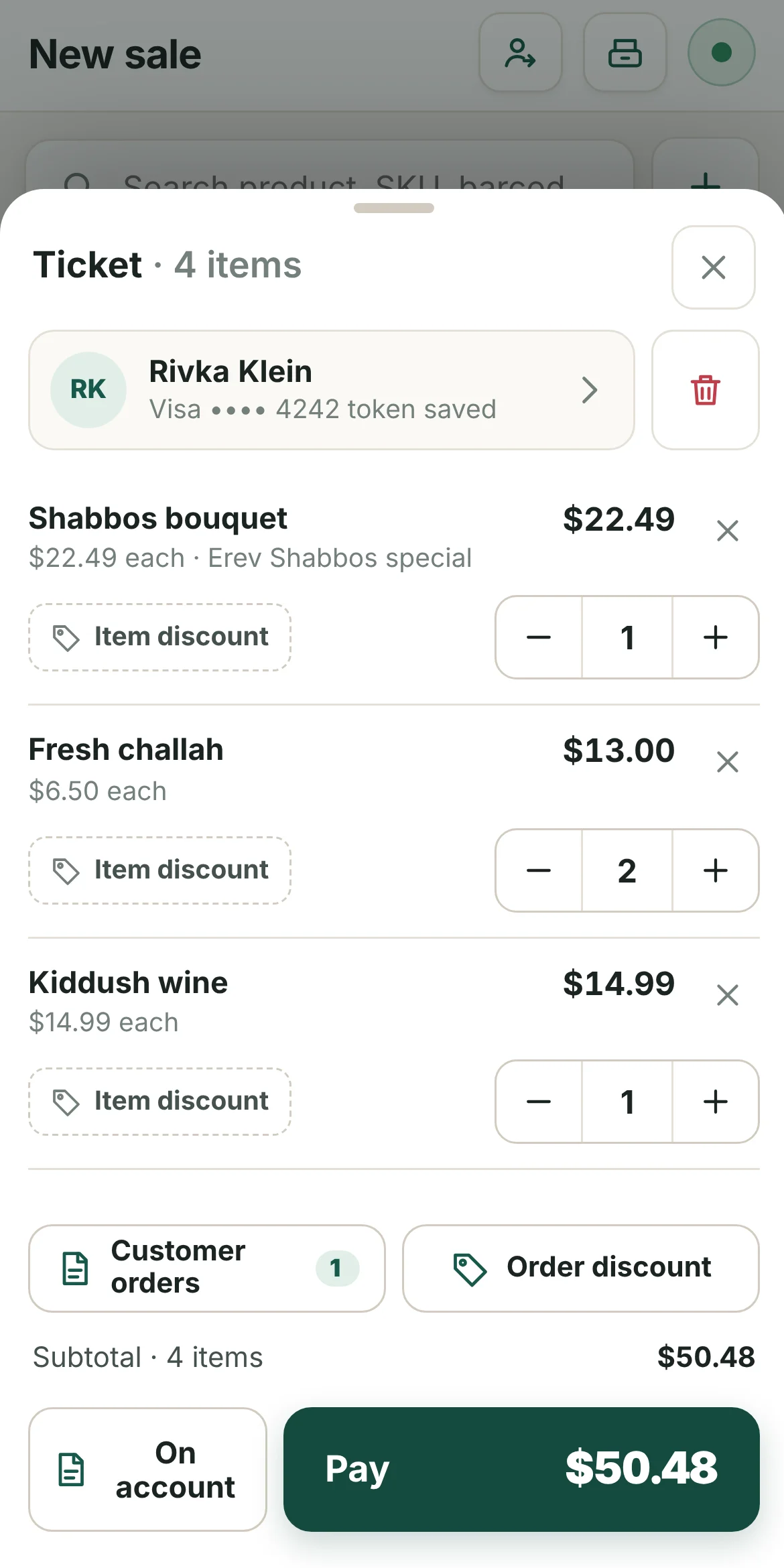
Products sit in colour-coded categories, so cashiers tap instead of search. Scan a barcode, change a quantity, add a discount, then take payment.
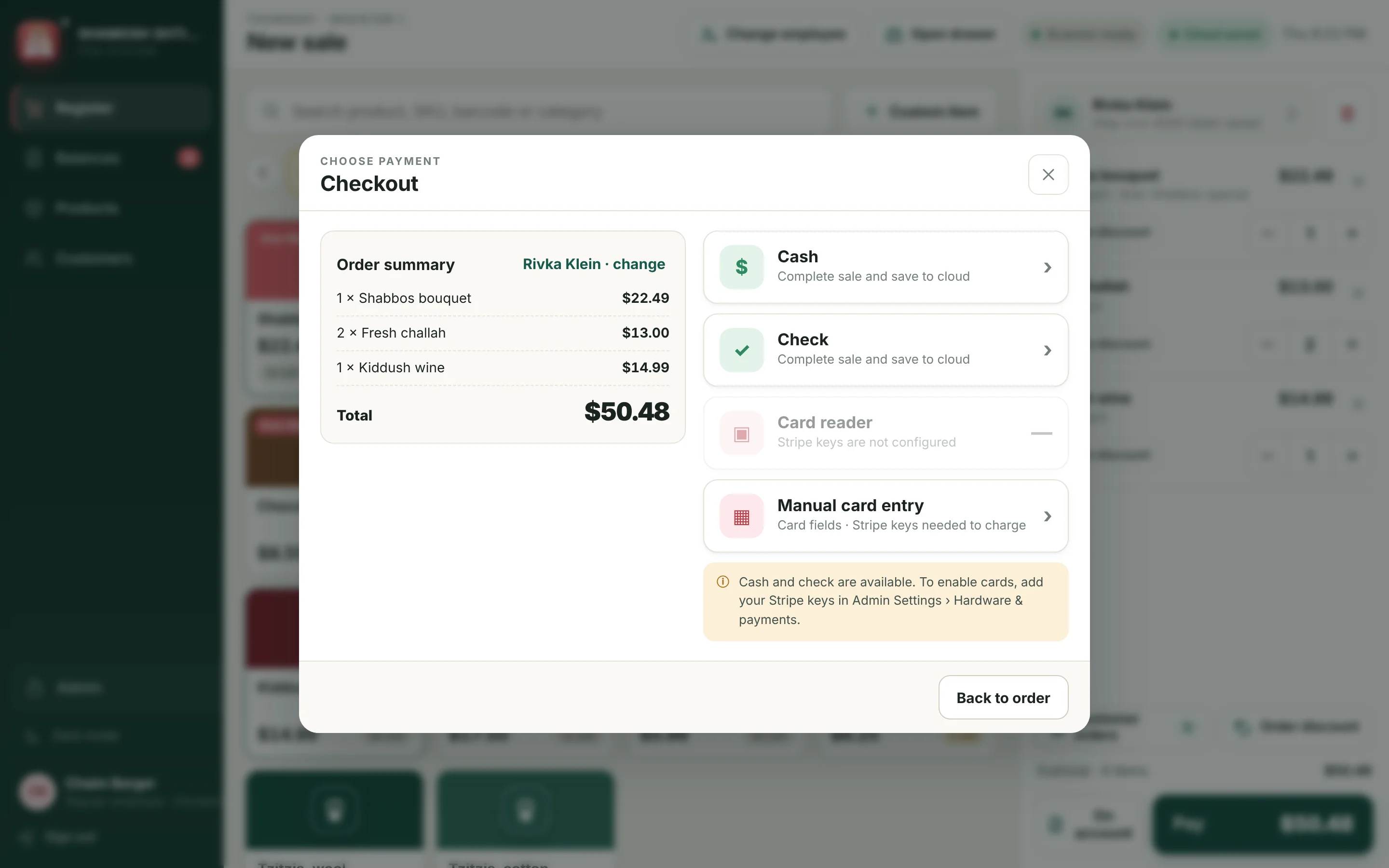
- Cash, check or card. Typed cards and Stripe Terminal readers (WisePOS E, S700) charge through your own Stripe account.
- Fast card approval. The payment is prepared while the card number is typed, so Charge only confirms it.
- Discounts and specials. Percent or dollar discounts on the whole ticket, plus specials you set up in advance.
- Saved cards. Keep a regular customer’s card on file for the next order.
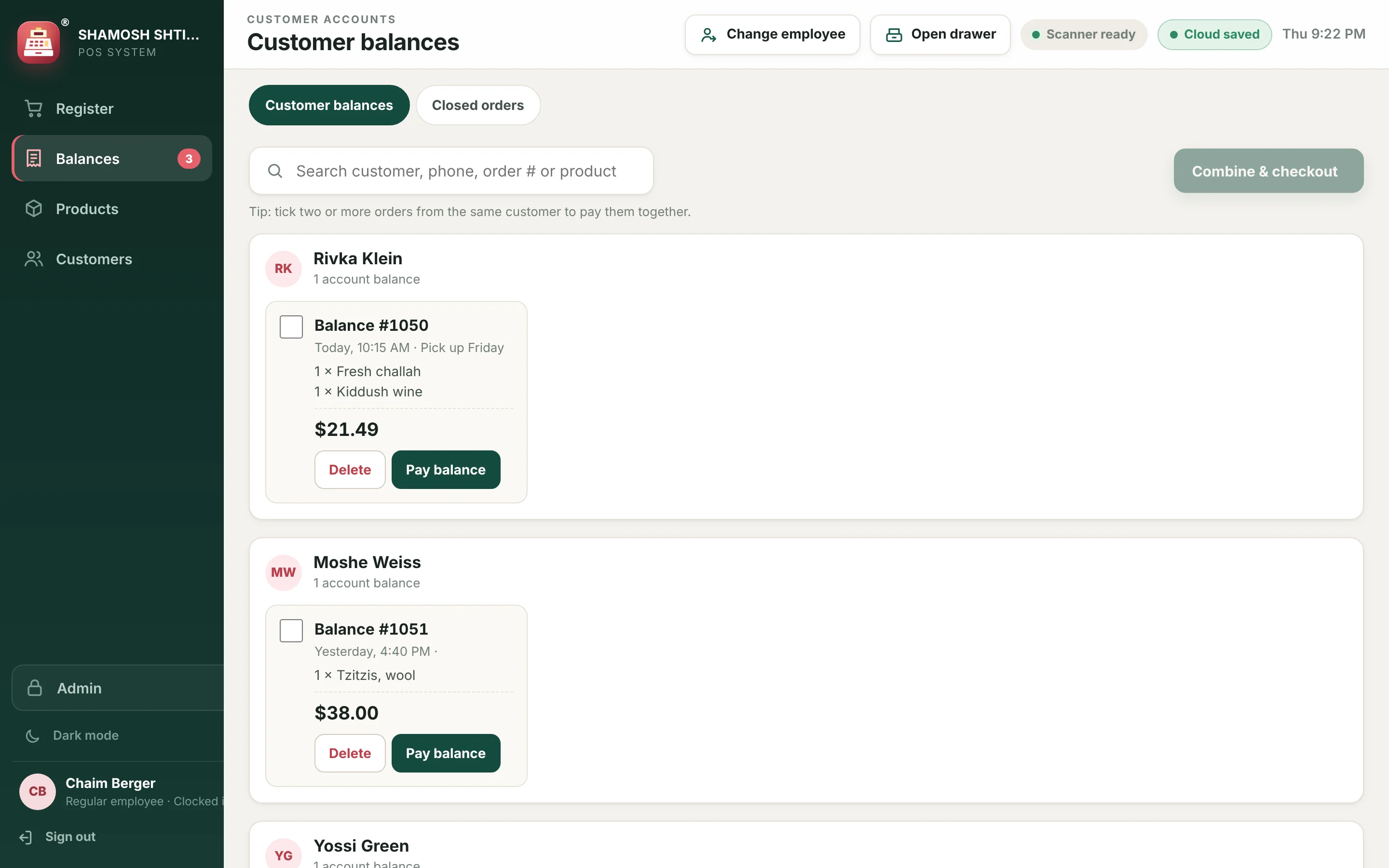
Customers & balances
Put it on account, collect it later.
Regulars who pay at the end of the week or month get a running balance. Every open order stays attached to the customer until it’s paid.
- On-account orders with one tap from the ticket.
- Collect one order or the whole balance by cash, check or card.
- Customer directory with phone, email, lifetime sales and saved card.
- Edit an open order before the customer picks it up.
Products & inventory
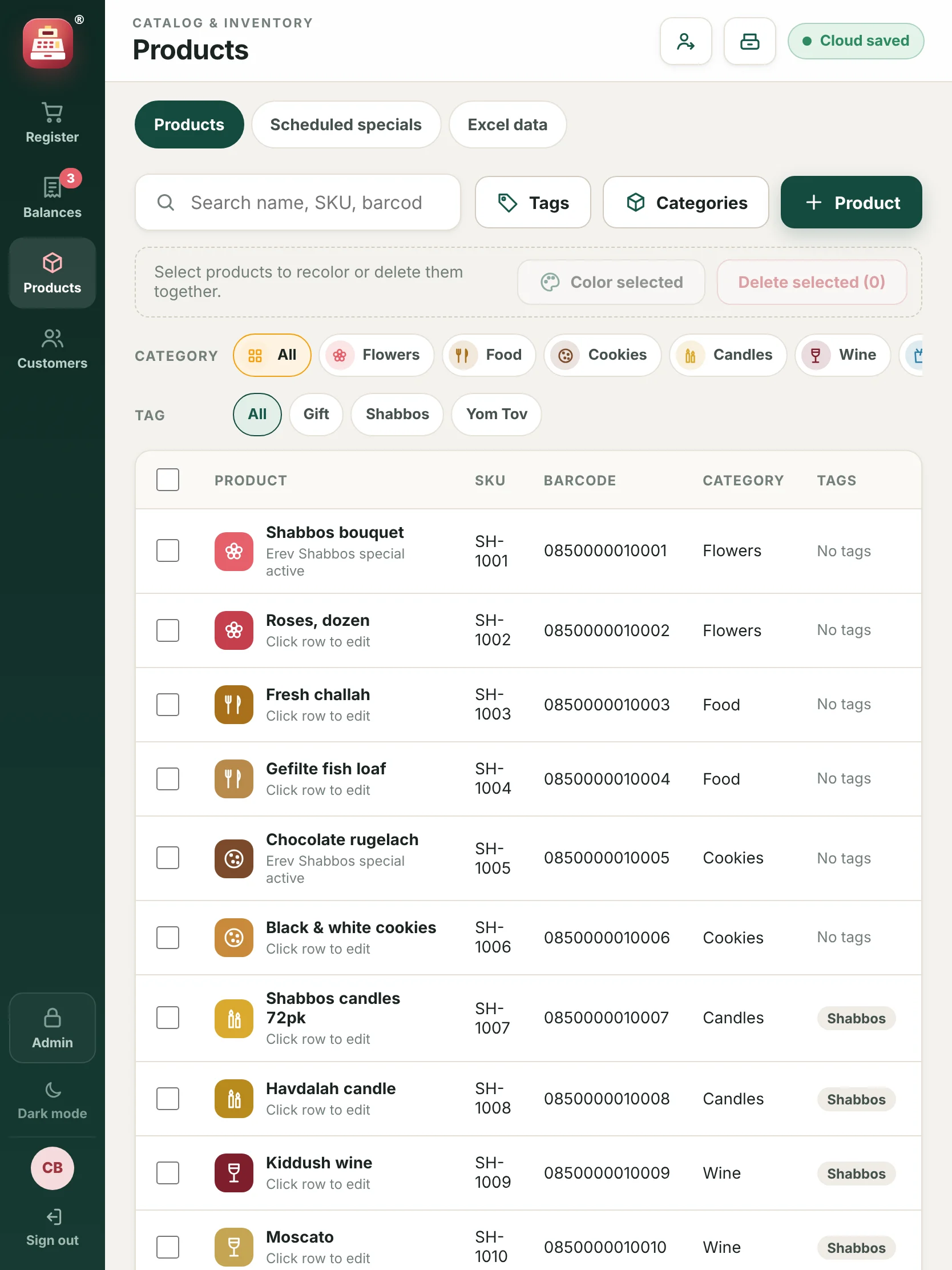
Know what’s on the shelf before you run out.
Stock counts go down with every sale. Items running low are flagged on the reports screen.
- Import your catalog from Excel instead of typing it in.
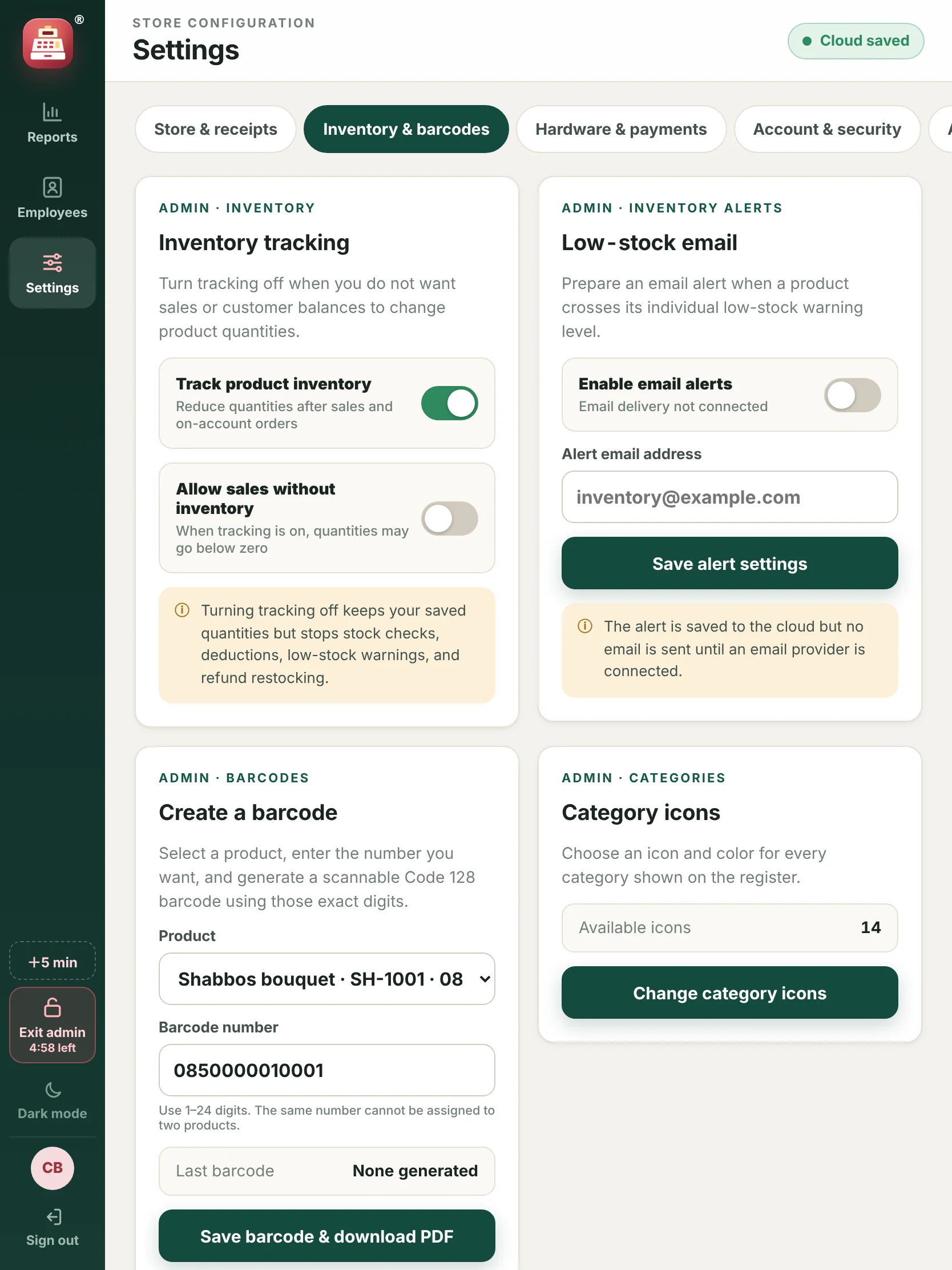
- Scan barcodes with a barcode scanner, and print your own barcode labels.
- Low-stock email tells you when it’s time to reorder.
- Category icons and colours chosen by you for the register.
Reports
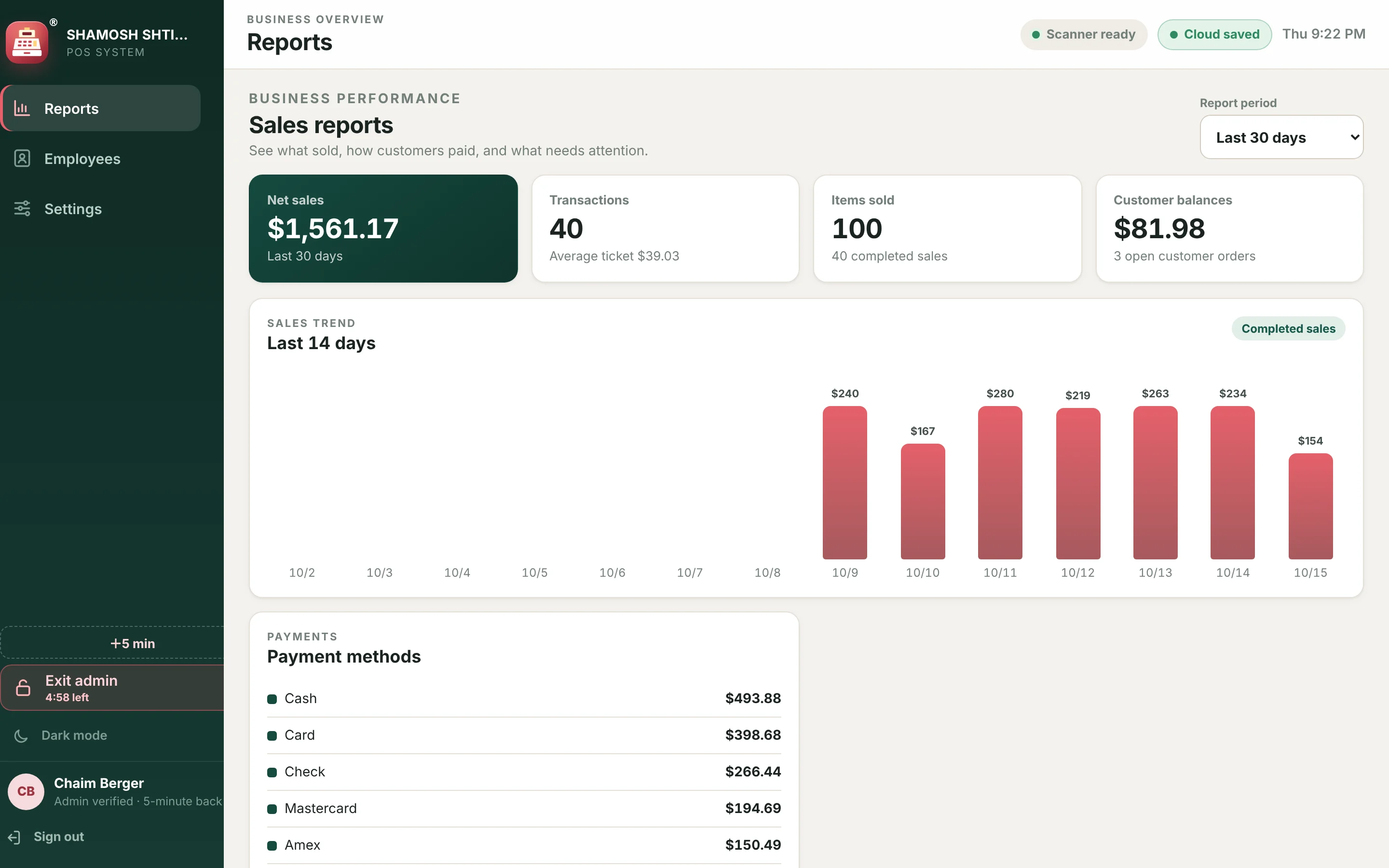
See the week at a glance.
Sales, order count, average ticket and open balances update as you sell. Choose the report period you want to see.
- Sales trend by day, and a breakdown of card, cash and check.
- Products sold and sales mix by category.
- Recent activity: payments, receipts and changes.
- Download a backup of all your records at any time.
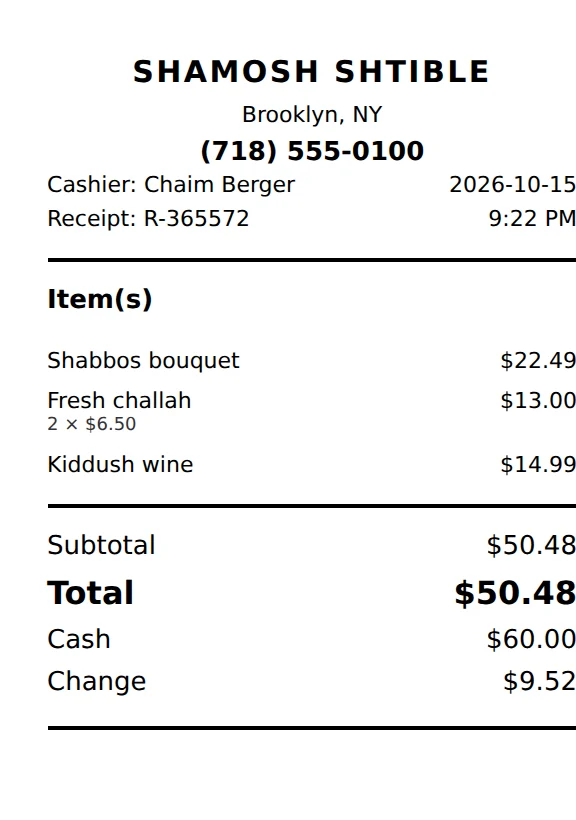
Receipts
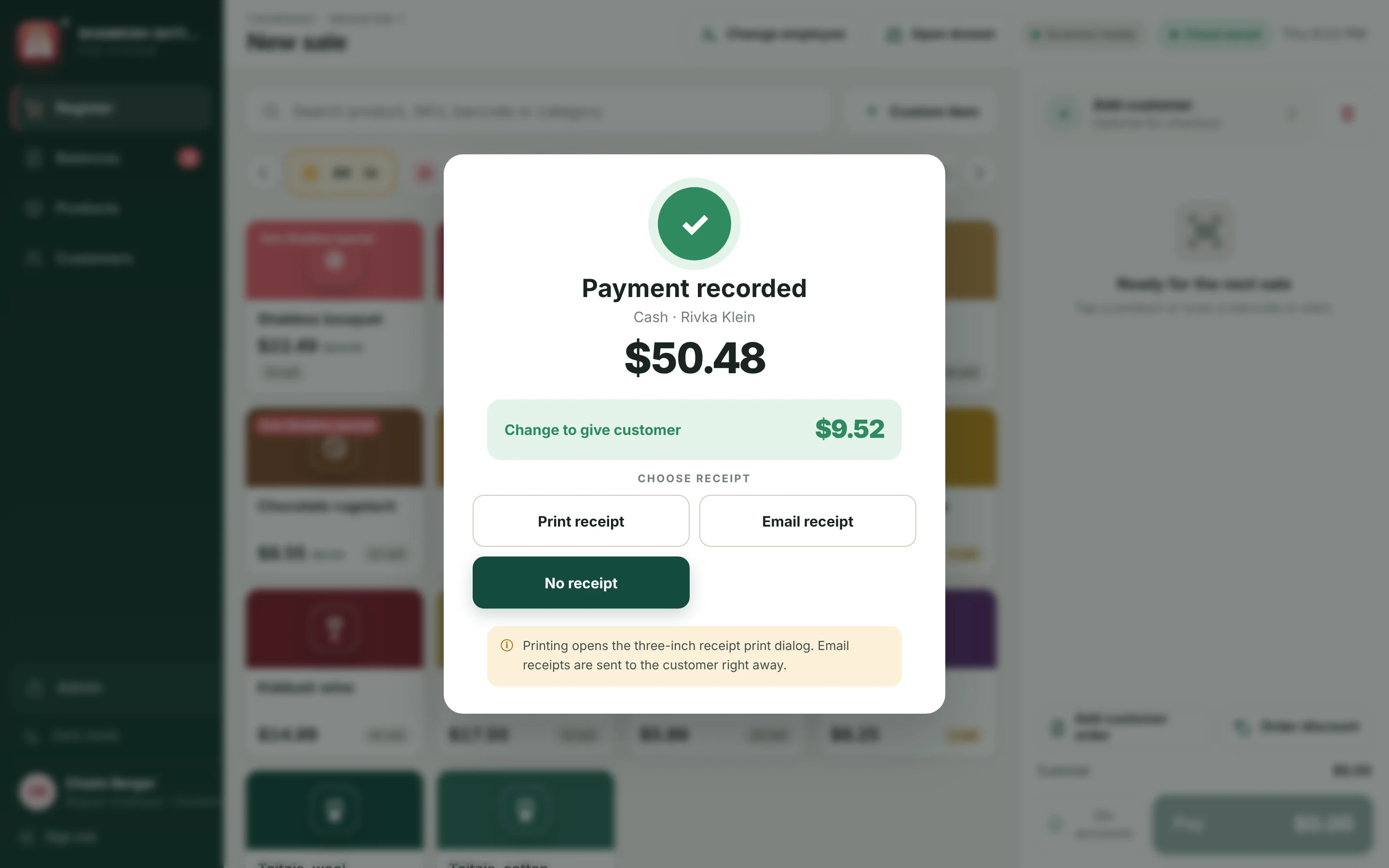
Printed on the counter or sent to their inbox.
After every sale, choose to print, email or skip the receipt. Emailed receipts include the items, tax, total and card details.
- Three-inch receipt printers, including Star printers through PassPRNT.
- Email receipts filled in from the customer’s saved email.
- Your store details: name, address and footer message on every receipt.
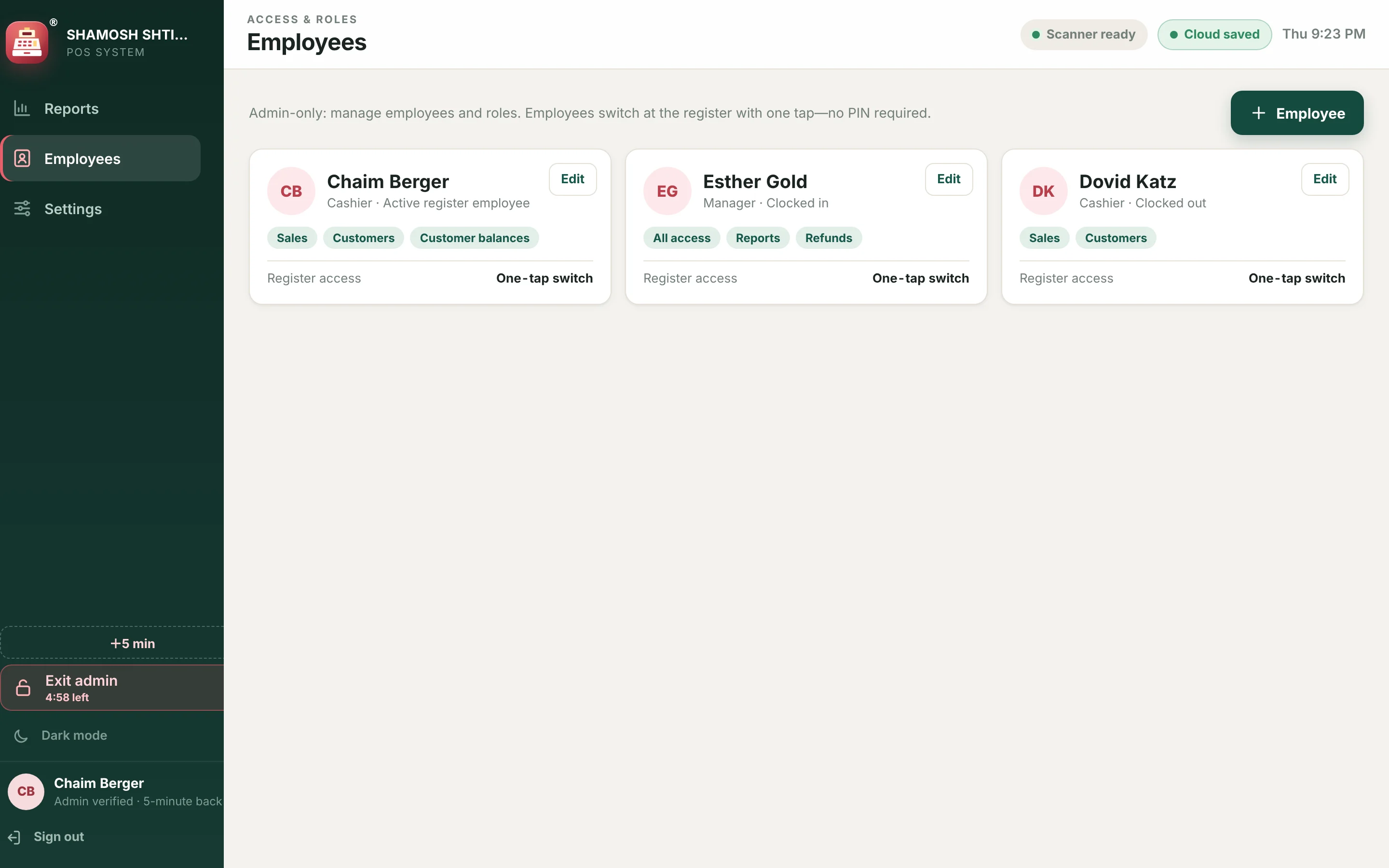
Team, admin & sync
Many hands, one set of records.
Cashiers switch with one tap. Reports, employees, store details and payment settings stay behind an admin PIN.
- Employees and roles, with one-tap switching at the register.
- Admin lock for settings, reports and payment setup.
- Several iPads in sync through your business’s private cloud workspace.
- Works offline. Cash, check, orders and inventory keep working without internet and sync when it returns.
Pricing
One plan. Every feature.
Create your account and enter your credit card on Stripe’s secure page in the same step. Confirm your email, sign in, and your register opens.
Card processing fees from Stripe are separate and paid to Stripe directly.
- Unlimited products, customers and sales
- Every iPad, iPhone and computer in your store
- All features above, including future updates
- Cancel anytime from Settings